


CREATE EMAIL USING CPANEL
Why use Gmail or Hotmail when you can create own domain email. With CPanel and few clicks, you can simply create a professional looking email.
OVERVIEW
Why use Gmail or Hotmail when you can create own domain email. With CPanel and few clicks, you can simply create a professional looking email.REQUIREMENTS
Before you start, you'll need:- Web hosting account SILVER PACKAGE or GOLD PACKAGE.
INSTRUCTIONS
- LOGIN at your MAXKO Hosting account and click CPanel icon.
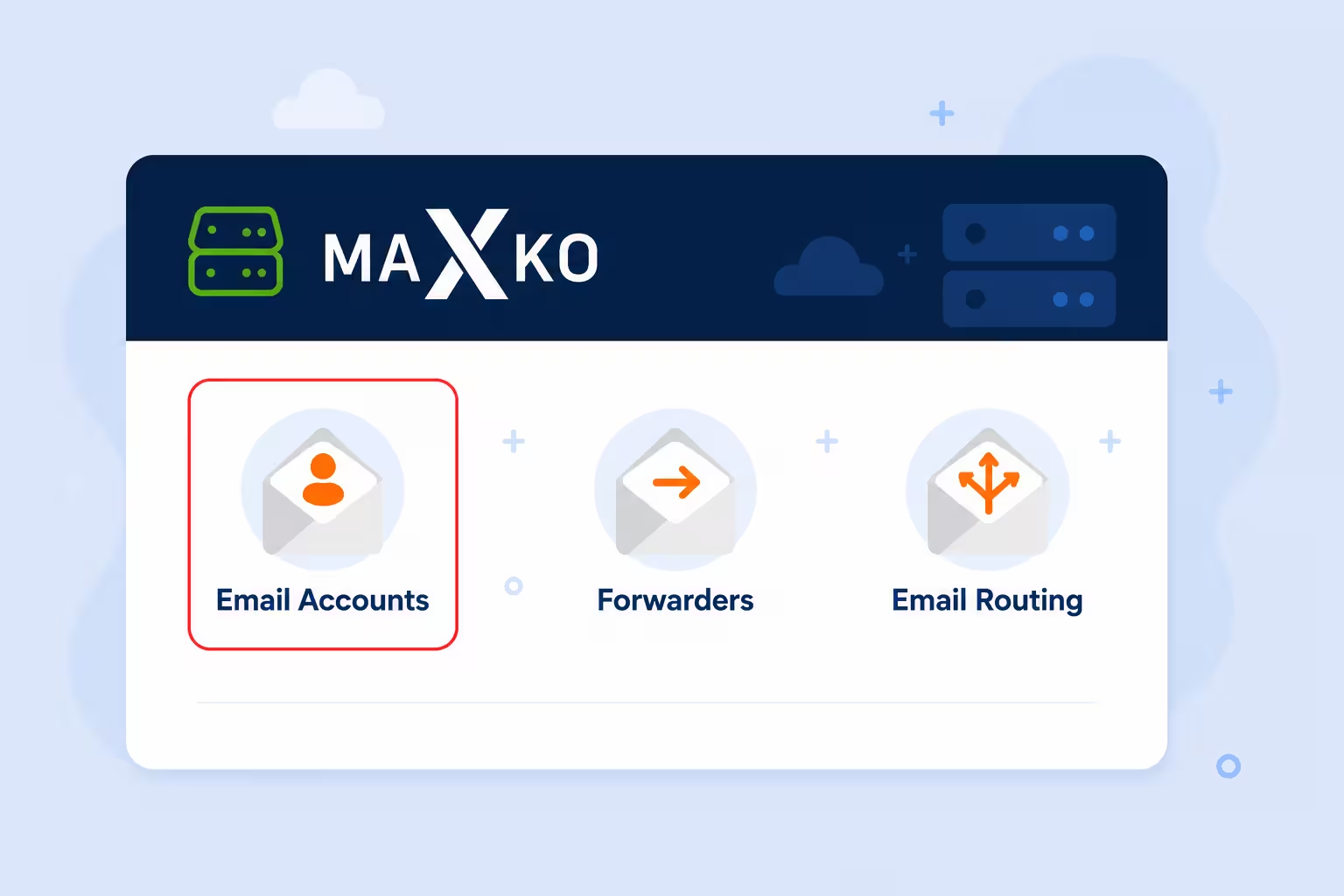
- Go on EMAIL ACCOUNT

- Write email name. In my example I used info@tutorials.maxko-hosting.com. Click generate a password or write own password. When you write again password its time to click CREATE ACCOUNT.
