


ADD SUBDOMAIN
in few steps we are going to show you how to add subdomain into your MAXKO Hosting account.
OVERVIEW
You already using main domain but need create a subdomain for the forum or other purposes? You are on the right place, in few steps we are going to show you how to add subdomain into your MAXKO Hosting account.REQUIREMENTS
- Web hosting account SILVER PACKAGE or GOLD PACKAGE.
- Own one or more domains
- Setup main domain. TUTORIAL
INSTRUCTIONS
- LOGIN at your MAXKO Hosting account and click CPanel icon.
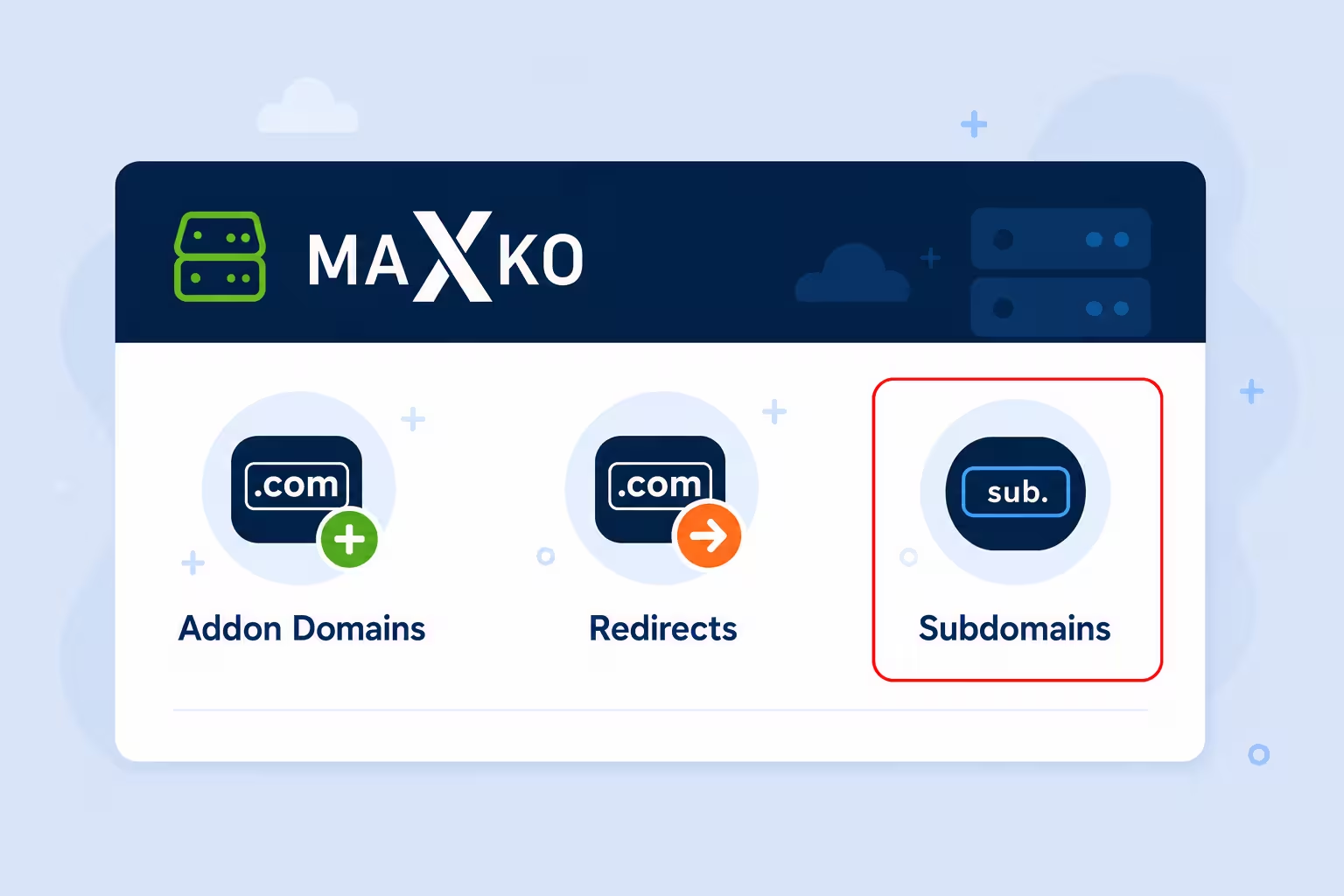
- Go on SUBDOMAINS

- Write subdomain name and choose main addon domain, document root you can write public_html/MAXKO. Click CREATE

- You can make a test by open new subdomain in browser.
